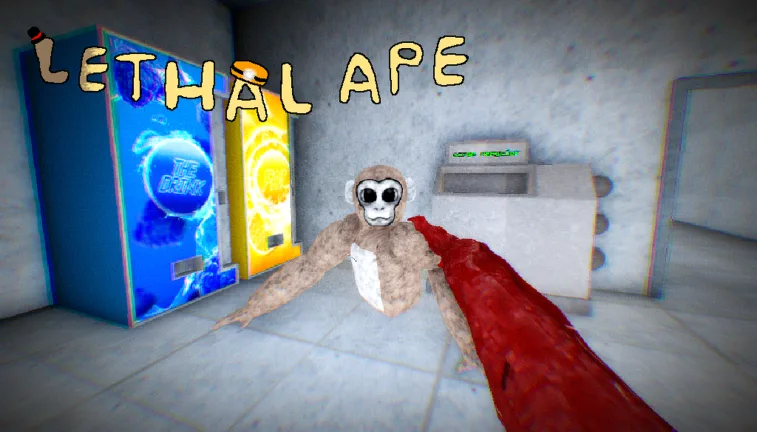
How to Access and Play Lethal Ape: A Complete Guide
Learn how to access Lethal Ape on Roblox and understand the core gameplay mechanics, survival tips, and platform availability for this horror experience.
Published: Lethal Ape Wiki Editorial Team
Table of Contents
Accessing Lethal Ape on Roblox
Lethal Ape is a popular horror-themed survival game developed by gub_dev. To ensure you are playing the intended version, it is essential to access it through the official Roblox game page. Because the game is hosted on Roblox, you do not need to download separate PC ports or external installers to play it.
If you encounter links to "PC ports" on third-party sites like itch.io, be aware that these are often unofficial modifications or external projects and are not the official experience provided by the original developer. Playing through the official Roblox platform ensures you are receiving the latest updates, bug fixes, and intended gameplay features directly from the creator.
Understanding the Gameplay Mechanics
At its core, Lethal Ape is a survival-horror experience that focuses on tension and environmental navigation. Unlike combat-heavy games, your primary objective here is to avoid detection and survive as long as possible while being hunted by various entities.
Enter the Lobby: Upon joining, you will spawn in a hub area. Use this time to coordinate with other players if you are in a group.
Explore the Environment: Navigate through the map to find hiding spots and resources.
Manage Your Presence: Listen for audio cues, such as sirens or monster proximity sounds, which indicate that a threat is nearby.
Utilize Hiding Spots: Use cabinets and other interactive furniture to break the line of sight when a monster is chasing you.
Survival Tips and Community Strategies
Surviving in Lethal Ape requires more than just running. Based on player experiences, the game’s horror elements are amplified by its sound design and the unpredictability of the monsters.
Tip
Master the Cabinet: Many players find that hiding in cabinets is the most effective way to evade monsters. However, ensure you are fully concealed, as some entities may be able to detect you if you are not properly positioned.
Environmental Awareness: The game is designed to be dark and atmospheric. Adjust your screen brightness if you find it too difficult to see, but remember that the blurriness is often a deliberate artistic choice to increase tension.
Team Coordination: While the game can be played solo, communicating with other players via the in-game chat or external voice platforms can help you track monster locations more effectively.
Movement Efficiency: Learn the map layout. Knowing where the shelves and corridors lead can save you during a chase. Some players have noted that sliding under obstacles is a niche but useful maneuver if executed correctly.
Common Gameplay Challenges
Players often report that the game’s difficulty spikes due to the AI's ability to navigate the environment. Monsters in Lethal Ape are not always restricted to the floor; they may climb onto shelves or navigate tight spaces, meaning there is no "perfect" hiding spot that guarantees safety forever.
Warning
Don't assume you are safe just because you are on an elevated surface. Community reports indicate that certain monsters are capable of climbing, so always have an exit strategy ready.
If you find yourself struggling with game performance, ensure your Roblox graphics settings are optimized. Since the game relies on atmospheric lighting, lower settings might actually make it easier to see threats, though it may diminish the intended horror aesthetic.
FAQ
Is there an official PC version of Lethal Ape outside of Roblox?
No. The official Lethal Ape is a Roblox experience. Any standalone "PC ports" found on external file-sharing websites are unofficial and not supported by the original developer.
How many players can play at once?
The game is designed as a multiplayer survival experience. You can join with friends or play alongside others already in the server to increase your chances of survival.
Can I play Lethal Ape on mobile devices?
Yes, because it is hosted on Roblox, you can access the game via the Roblox mobile app on both iOS and Android devices, provided your device meets the platform's system requirements.